


Computers and mobile systems have been part of our daily lives in the present world. They utilize them so as to study, work and entertain. Nevertheless, not every human is informed about simple tips that will help them make their system faster and more comfortable to operate in. These are the tricks and hacks of the system to allow you to utilize your device in a more suitable way.
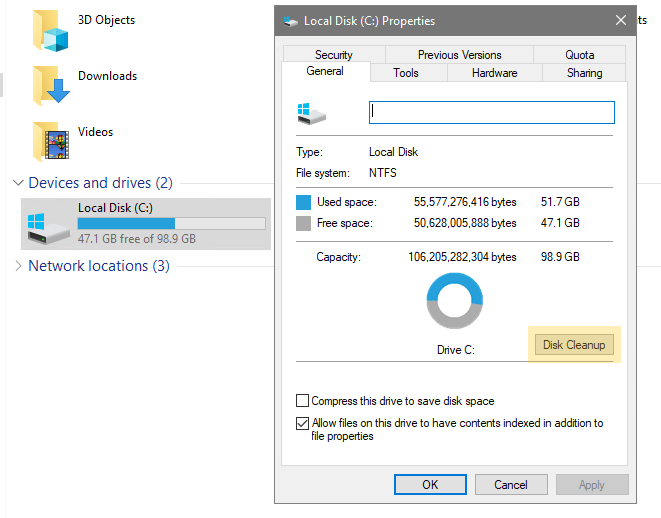
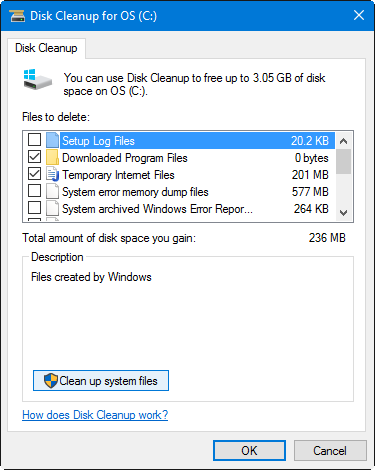
1. Keep Your System Clean
the system clean was one of the most effective method to improve your system performance, its save our data life and increase the device life, system clean is not only physical cleaning, its also digital maintenance. its increase your system performance and run faster then work with very efficiently.
The unwanted files are in a slow system in most of the cases.
You should:
• destroy files and downloads.
The unnecessary software and applications will be to be removed.
• Clear temporary files
Clean system works at high speed and it takes less storage space.
________________________________________
2. Use Cloud Storage for Backup
The Cloud storage was stored your photos and videos or personal files on the server. It helps avoid data loss in case your server or computer crashes or your HDD has problems. If you lose stored data on your device, you do not panic because your files are saved in online storage. It is very helpful for every system user. At the same time, it is very secure. Also, it is not paid — many online storage services are free, like Google cloud storage and Dropbox. But one thing is that storage is limited. If you want more storage, you will pay and get it.
• Save important files online
• Access data from anywhere
• Protect data from loss
Cloud account must be done using strong passwords.

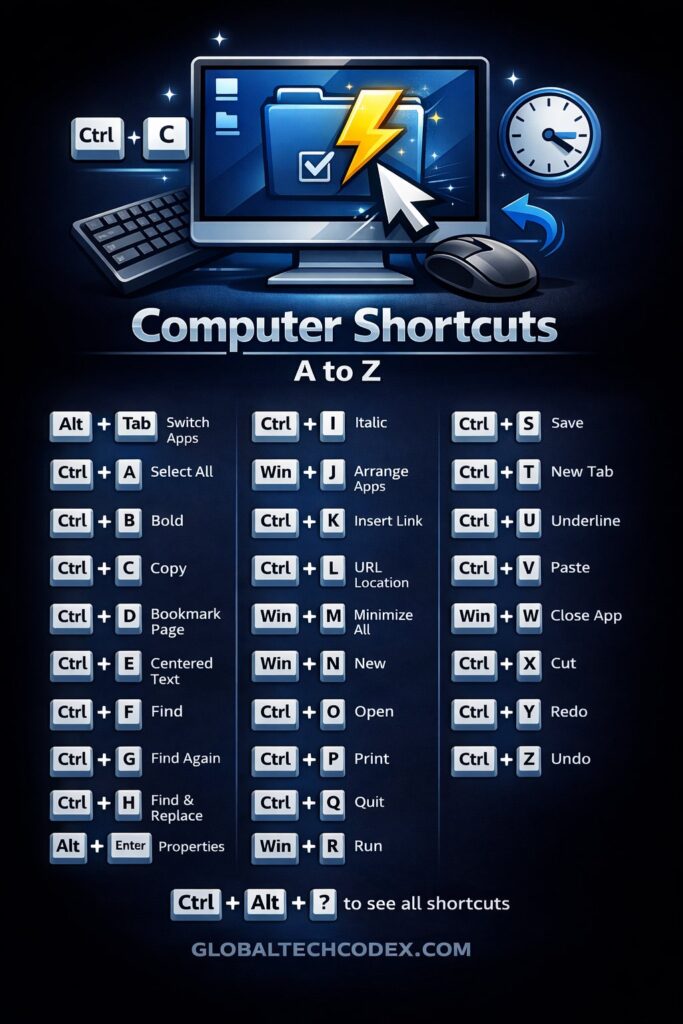
3.Learn to use easy short cuts of the key board.
Saving of time and energy spent on keyboard shortcuts is attained.
Some useful shortcuts are:
• Ctrl + C → Copy
• Ctrl + V → Paste
• Ctrl + Z → Undo
• Alt + Tab → Switch apps
Such minor tips can be used to accelerate your work.
4. Update Your System on Time
The system updates are important. They:
• Fix bugs
• Improve security
• Add new features
Always have an opportunity to keep an eye on the official sources.

5. Protect your System with Viruses.
Viruses may ruin your system and rob you of the data.
To stay safe:
• Install a trusted antivirus
• Avoid unknown websites
• Do not open up Unwanted links.
The Internet is one of the most important issues that can be safe.
6. Arrange Your Files properly.
A messy system wastes time.
Create folders like:
• Documents
• Photos
• Videos
• Office Work
It is very easy to use and properly organized files.
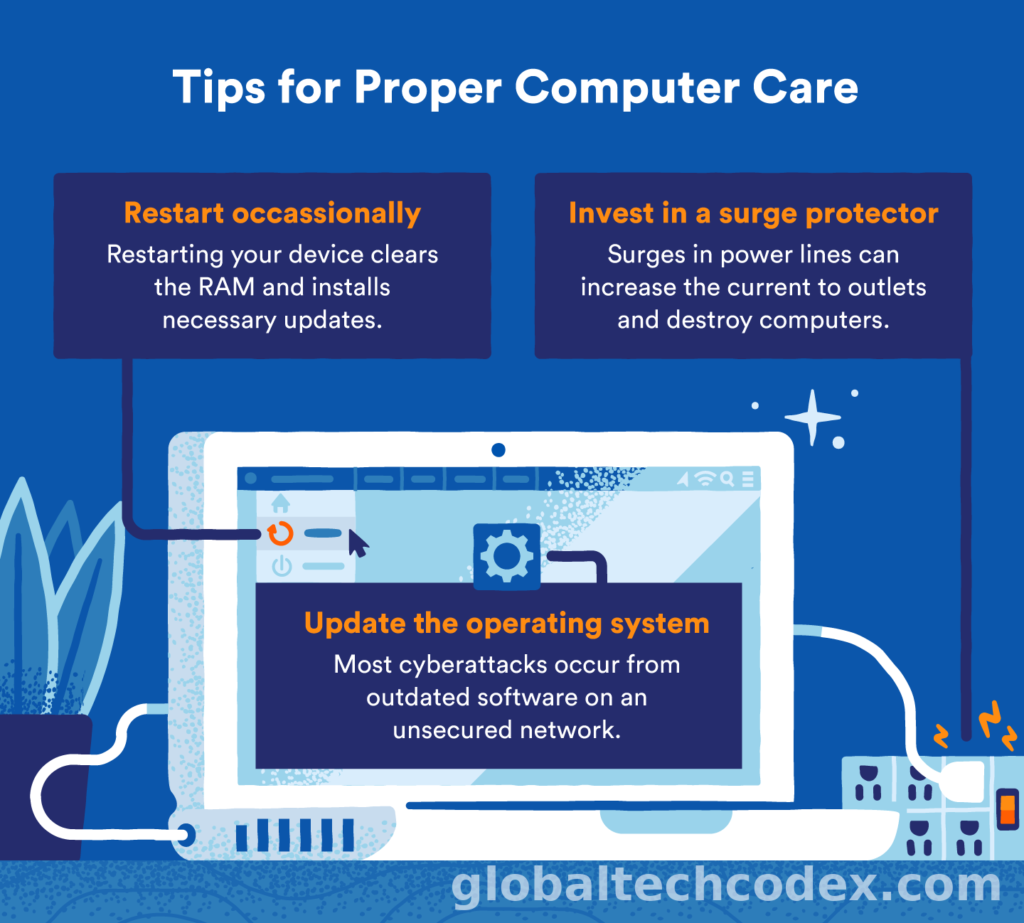
7. Shut down Your System daily.
On days some of them lack their system. This is not good.
Restarting your system:
• fixes minor computer bugs.
• Clears background programs
• Improves speed
Restart system at least once per week.
8. Control Startup Programs
The number of programs developed to boot up and eat your system are too many.
You should:
Applications that were not used.
• store important files only.
This teaching hasten thy system.
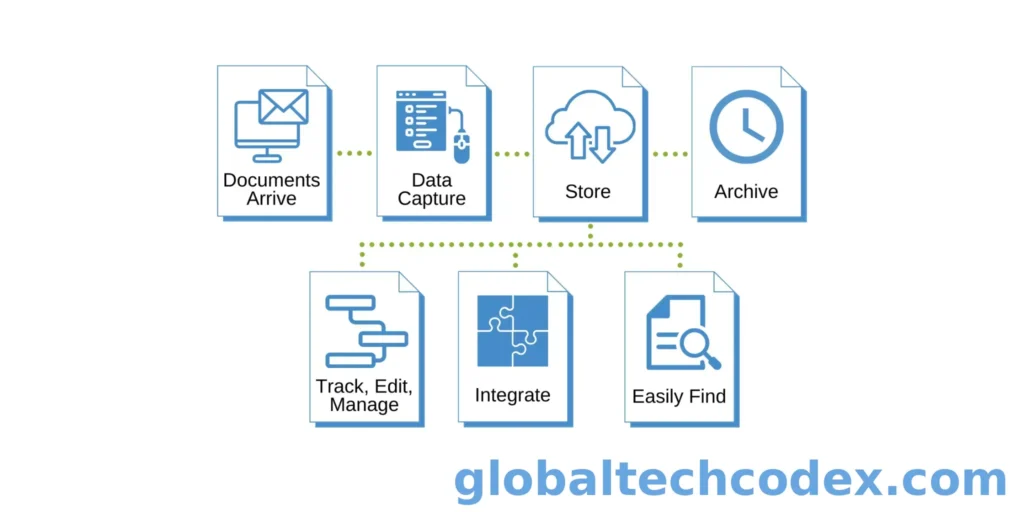
9. Take Regular Data Backup
An individual is not expected to save valuable papers at a point.
Backup:
• Photos
• Documents
• Work files
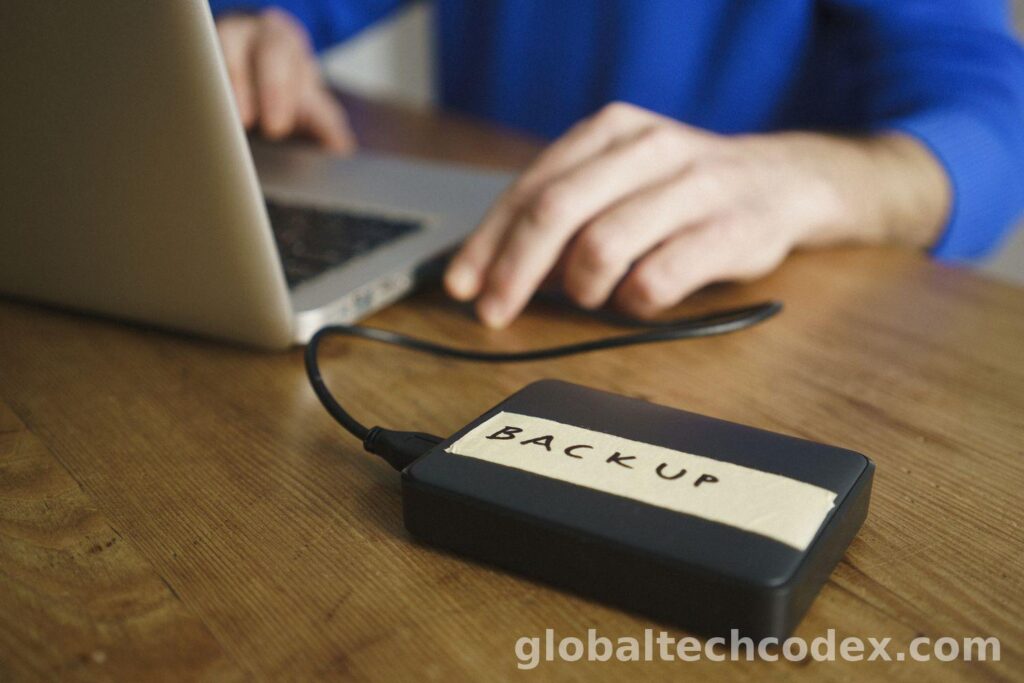
Backup in external drive/cloud storage.
Final Words
It is not hard to use a system. Even simple measures like filing system, updating computer programs and internet safety can be extensive. These are the tips and tricks of the system that you must keep in mind to make sure that your system is quick besides being safe and reliable.