
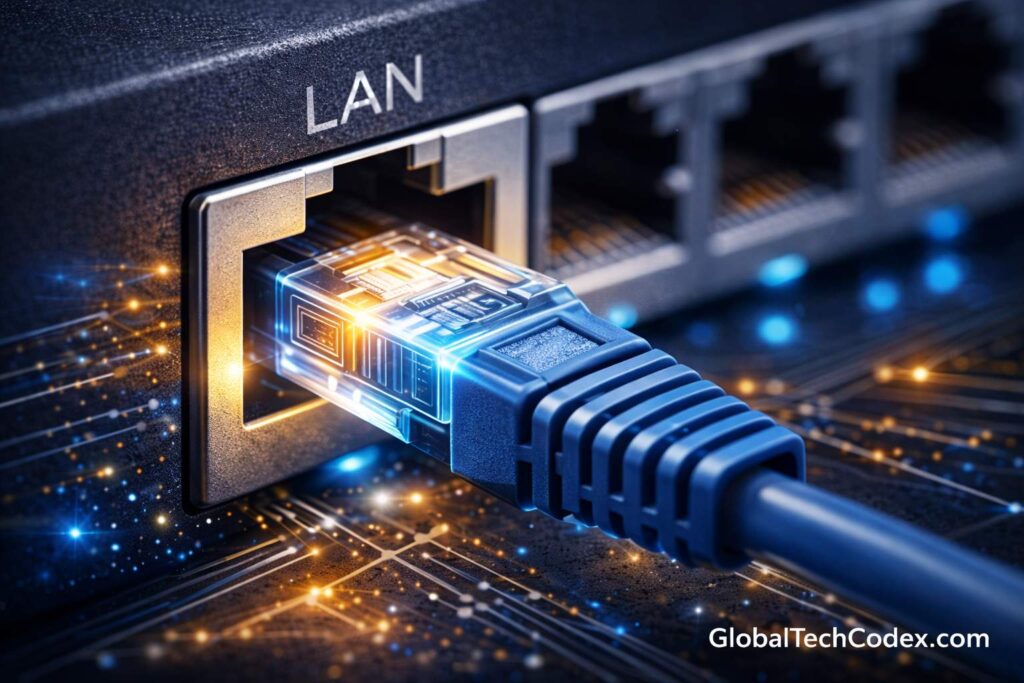

A computer cannot possibly survive in the modern networked world without network connectivity in effect to enable communication, file sharing, internet surfing, playing of games and conducting a business. The Wi-Fi has adopted a very popular form of networking that is wireless but the wired networking is the LAN port which has been seen to be one of the most stable and reliable means of connecting a computer to a network.
LAN port is significant in the formation of secured high velocity connection between your computer and local area network (LAN). This extra- Guide will be used to decide what LAN port is, how it works, what its parts are, what its benefits are, what common problems are associated with it and how it compares to the wireless connections.
________________________________________
What Is a LAN Port?
LAN (Local Area Network) port is a physical network interface of the computer that enables the computer to be connected to a wired network through an Ethernet cable. It is also known as an RJ45 port or generally Ethernet port.
LAN port can be used to communicate with other devices in the local network and it can also be used to access the internet using a router or modem.
In simple terms:
Ethernet Cable + Lan Port+ Router=Wired Internet Connection.
________________________________________
What Does a LAN Port Look Like?
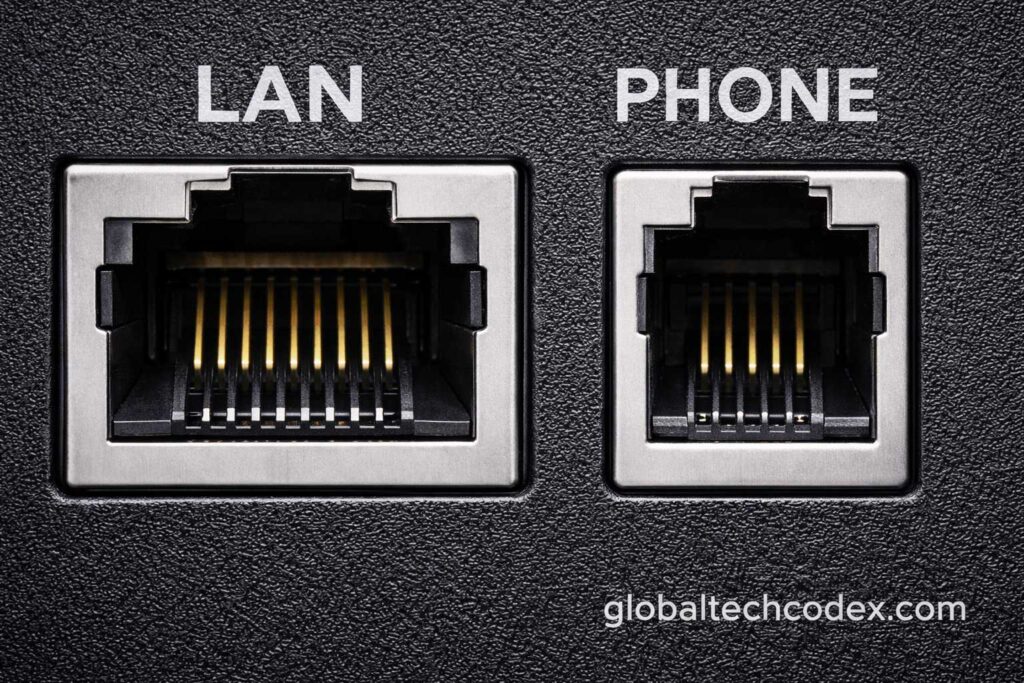
LAN port size is not larger than phone line port (RJ11). It has:
• A rectangular shape
• 8 metal contact pins inside
• An Ethernet cable clip-lock.
There is a universal connector called RJ45 (Registered Jack 45) in the LAN ports.
In case of insertion of Ethernet cable in the LAN port, you would find some little lights which would be indicative. These lights show:
• The network activities (flashing light)
Connection success (filled light)
________________________________________
How Does a LAN Port Work?
LAN is based on an Ethernet that is a wired networking technology.
Here’s how it functions:
1. You attach the Ethernet into the LAN port.
2. The cable is attached to either a router, switch or modem.
3. The sending and receiving data are done by the computer network interface card (NIC).
4. The cable conveys information in electric impulses.
5. The router will be used to direct the traffic to the internet or any other network devices.
LAN uses the Data Link Layer (Level 2) of the OSI model and exists concomitantly with network protocols like TCP/IP.
________________________________________
Components that are relative to a LAN Port.
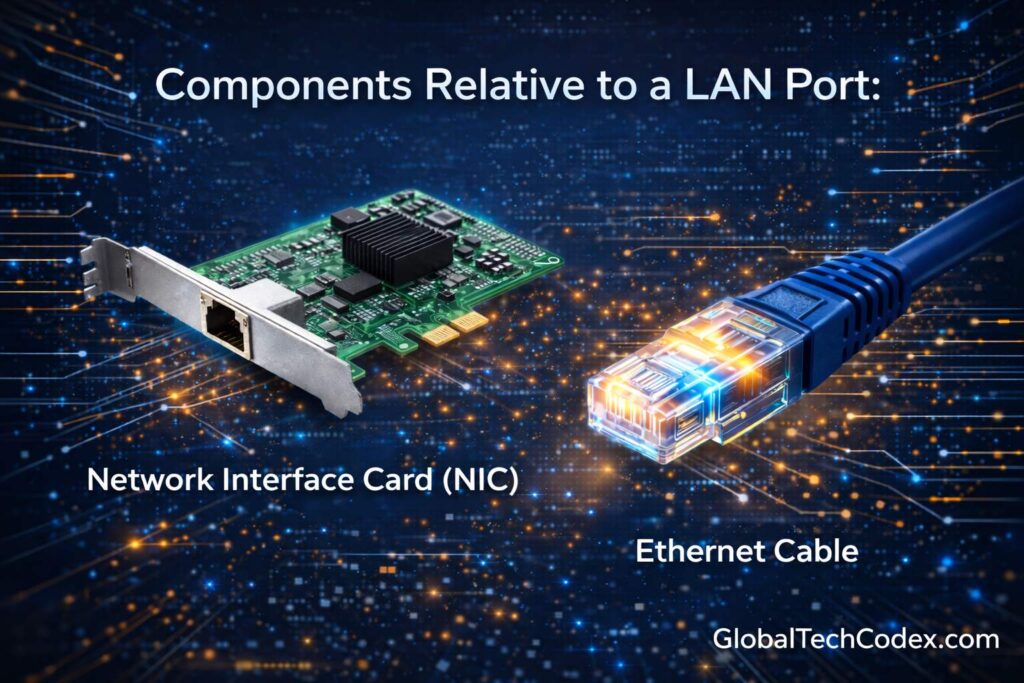
A LAN port does not work alone. It belongs to a network system that involve:
1. Network Interface Card (NIC)
Computer LAN port is connected physically to the NIC of computer. The NIC also takes into consideration network communication and also offers special hardware identity also known as MAC address.
2. Ethernet Cable
different type of common Ethernet cables are mention below:
- Cat5
- Cat5e
- Cat6
- Cat6a
- Cat7
There are superior categories which are fast and shielded.
3. Router or Switch
To bridge your local network and the internet, a router will be used and to bridge two or more devices on the same LAN, a switch will be used.
________________________________________
Types of LAN Ports by Speed
The LAN ports vary according to the pace of information transfer.
1. Fast Ethernet (10/100 Mbps)
• Supports speeds up to 100 Mbps.
• Common in older computers.
2. Gigabit Ethernet (10/100/1000 Mbps)
• Supports up to 1 Gbps.
Available in the majority of the modern computers.
3. 10 Gigabit Ethernet
• Supports up to 10 Gbps.
• In use in servers and at the enterprise.
Gigabit LAN ports are available on most of the available desktops and laptops.
________________________________________
Benefits of LAN Port Use.
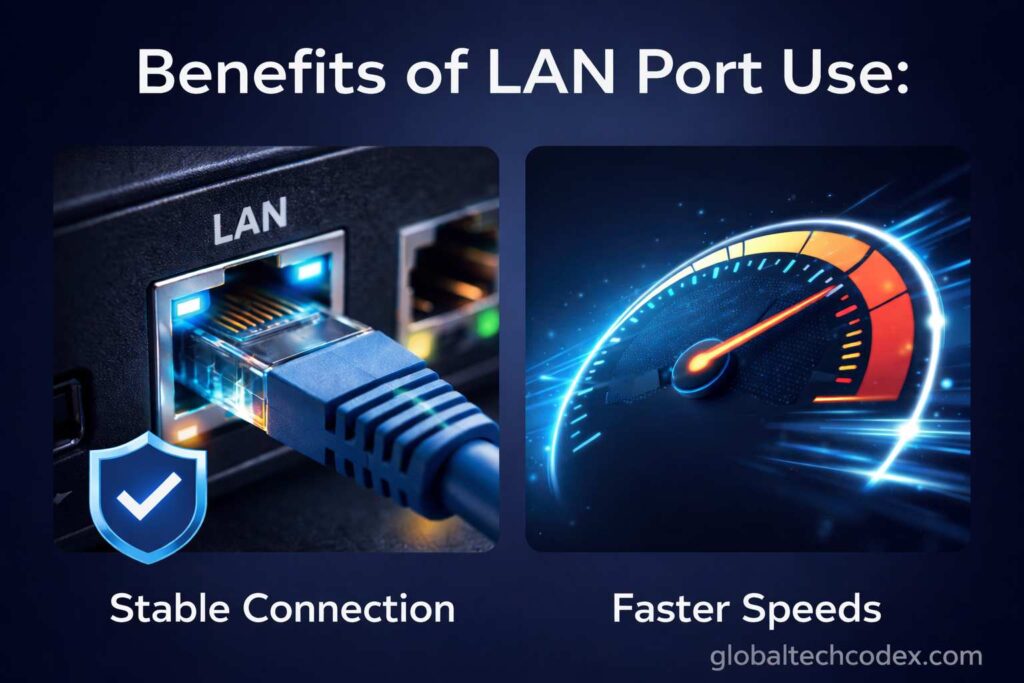
Although Wi-Fi is more convenient, the LAN ports have a number of advantages:
1. Stable Connection
The wired connections are predictable and they do not react to interference.
2. Faster Speeds
Ethernet has been reported to offer superior and faster speed compared to the wireless connection speed.
3. Lower Latency
Gamers are inclined to use LAN connection due to the decrease in the lag and latency.
4. Better Security
The Wi -fi signals are even more difficult to intercept as compared to wired networks.
5. Dependable in regards to the transfer of Large Files.
LANs are perfect in the situation when it is necessary to exchange large files within the local network.
________________________________________
LAN Port vs Wi-Fi
| Feature | LAN Port | Wi-Fi |
| Speed | Usually faster | This is subject to other things. |
| Stability | Very stable | Can be variable. |
| Mobility | Limited (wired) | High |
| Latency | Lower | Higher |
LAN connection will be preferable in an event where people are not required to have mobility.
_______________________________________________________________________
Common Uses of LAN Port
LAN ports are widely used in:
• Desktop computers
• Office networks
• Gaming setups
• Server rooms
• CCTV systems
• Smart TVs
• Network printers
The relationship of LAN is better than the most crucial systems at the workplace.
________________________________________
Connection of a Computer using LAN Port.
Connecting is simple:
1. Insert one end of Ethernet cable in the computer LAN port.
2. Insert the end in router or switch.
3. Worn when the LED lamps are turned on.
4. The network automatically detected in your computer.
In the DHCP, the majority of the current operating systems set the connection as default.
________________________________________
Diagnostic of LAN Port Problems.
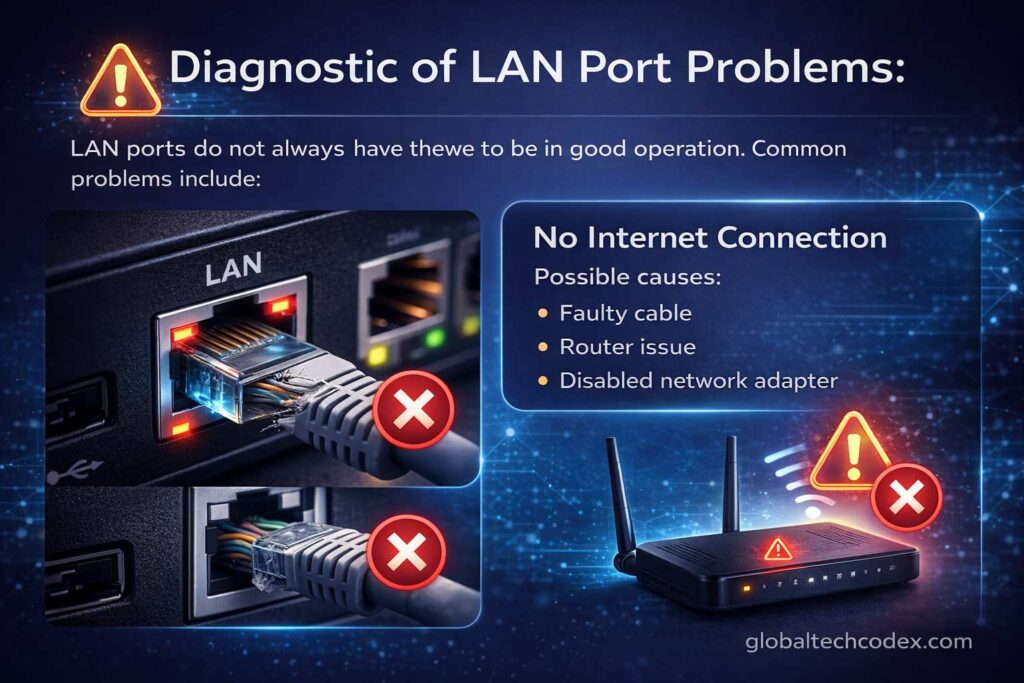
LAN ports do not always have to be in good operation. Common problems include:
1. No Internet Connection
Possible causes:
• Faulty cable
• Router issue
• Disabled network adapter
Solution:
• Check cable
• Restart router
• Setting network adapter to enable.
2. Slow Network Speed
Possible causes:
Ethernet cable (Cat5) is used, which is aged.
• Network congestion
• Driver issues
Solution:
• Upgrade cable
• Update network drivers
3. LAN Port Not Detecting Cable
Possible causes:
• Damaged port
• Faulty NIC
• Disabled in BIOS
Solution:
• Test with another cable
• Check BIOS settings
perhaps external USB-to-Ethernet may be needed.
________________________________________
Is LAN Port Replacable/repairable?
If a LAN port is damaged:
On desktops: It is possible to install a new PCIe network card.
In laptops: This can possibly require repairing of the mother board.
Alternative: In most cases, USBE to Ethernet converter is used.
External adapters are not expensive and they can be easily used.
________________________________________
LAN Port in Modern Laptops
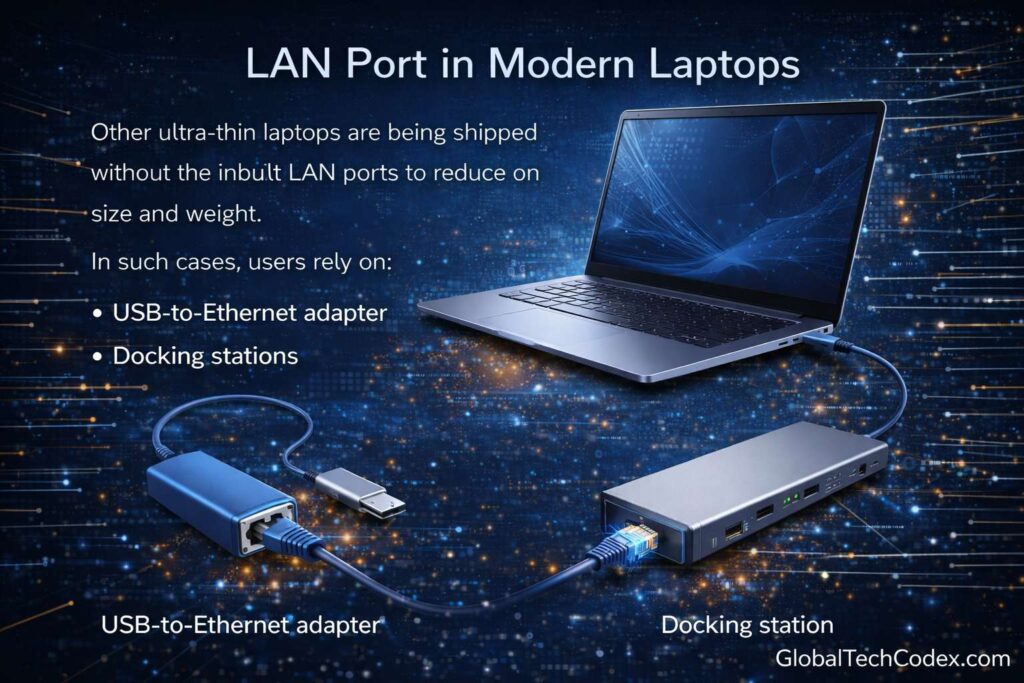
Other ultra-thin laptops are being shipped without the inbuilt LAN ports to reduce on size and weight.
In such cases, users rely on:
• USB-to-Ethernet adapters
• Docking stations
• Thunderbolt adapters
Although the wireless technology has been introduced, the ports of LA continue to shine in the work place.
________________________________________
You still need a LAN Port?
Yes, absolutely.
LAN ports are necessities in: as much as the Wi-Fi technology is developed.
• Competitive gaming
• Corporate networks
• Data centers
• Secure environments
• Stable video conferencing
It has not yet been overtaken by the other businesses that are banking on the reliability and security of wired networks.
________________________________________
Future of LAN Ports
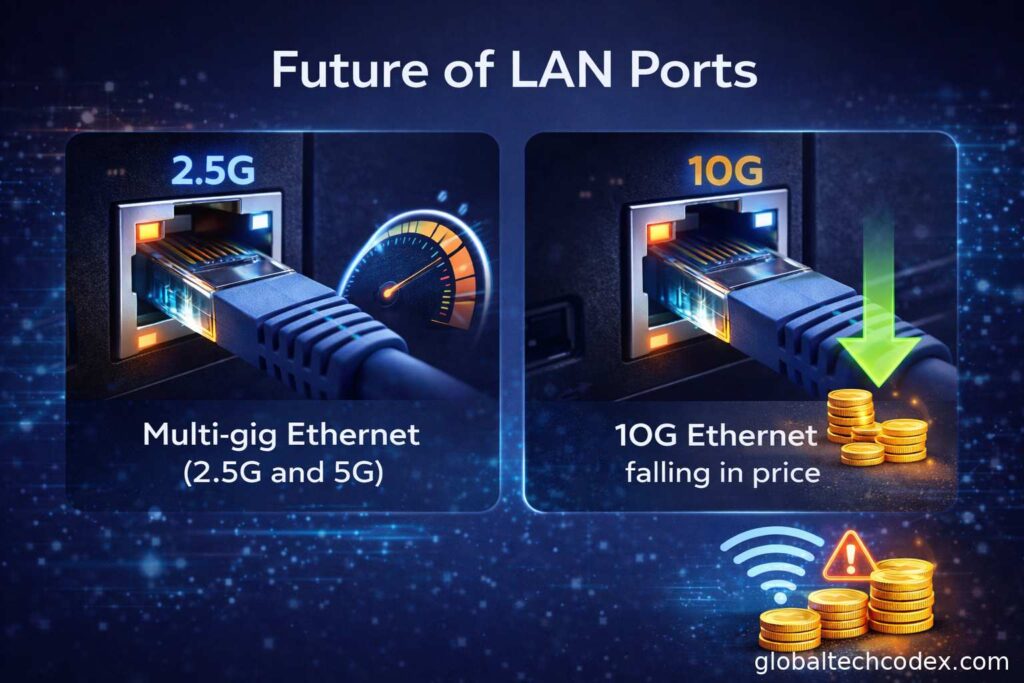
The LAN technology is also keeping up with the development of the internet and fiber connections.
New developments include:
• Multi-gig Ethernet (2.5G and 5G)
• 10G Ethernet falling in price.
• Better cable shielding
• Better network management.
The wireless networking (Wi-Fi 6 and Wi-Fi 7) is innovative, but the wired LAN connection is required in the activities that require high performance.
________________________________________
Conclusion
One of the important devices that directly allow the network to connect wired network very fast, steady and secure is computer LAN port. Nevertheless, despite the ease of the wireless networking, LAN ports are far superior concerning performance, reduced latency, and reliability. Being game player, businessman, student or IT administrator, one should know how a LAN port functions, to make the better choices on networking.
The LAN port is a robust and high-speed products of communication in the world which cannot afford to live without the internet connection.