
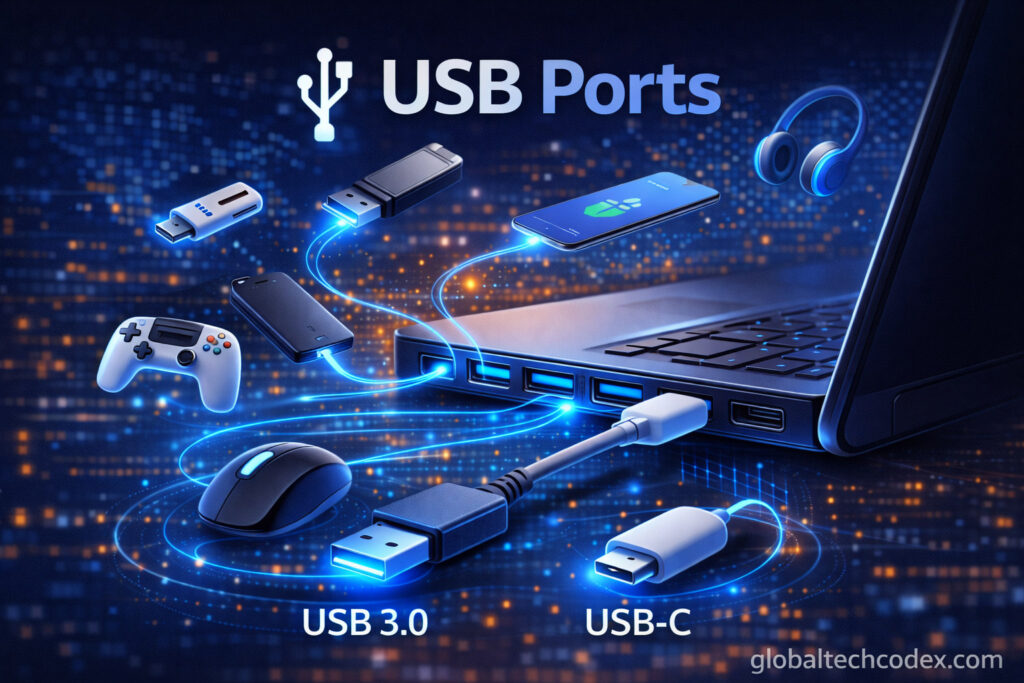

USB ports are one of the most critical features of the contemporary computers and electronic equipment. USB ports are available in almost all computers, laptops, smartphone chargers, electronic devices where devices are connected and data transferred. USB is referred to as the Universal Serial Bus or USB, which was intended to make sure that the connection of the devices was easy and convenient.
USB ports allow one to connect multiple devices without experiencing any problems as they used to in the past because printers, smartphones, keyboards, and mice all utilize it. USB has developed with time and has become much more efficient and fast in regard of power delivery.
The paper explains what is meant by USB ports, types of USB ports, their uses, and how they work.
________________________________________
What is a USB Port?
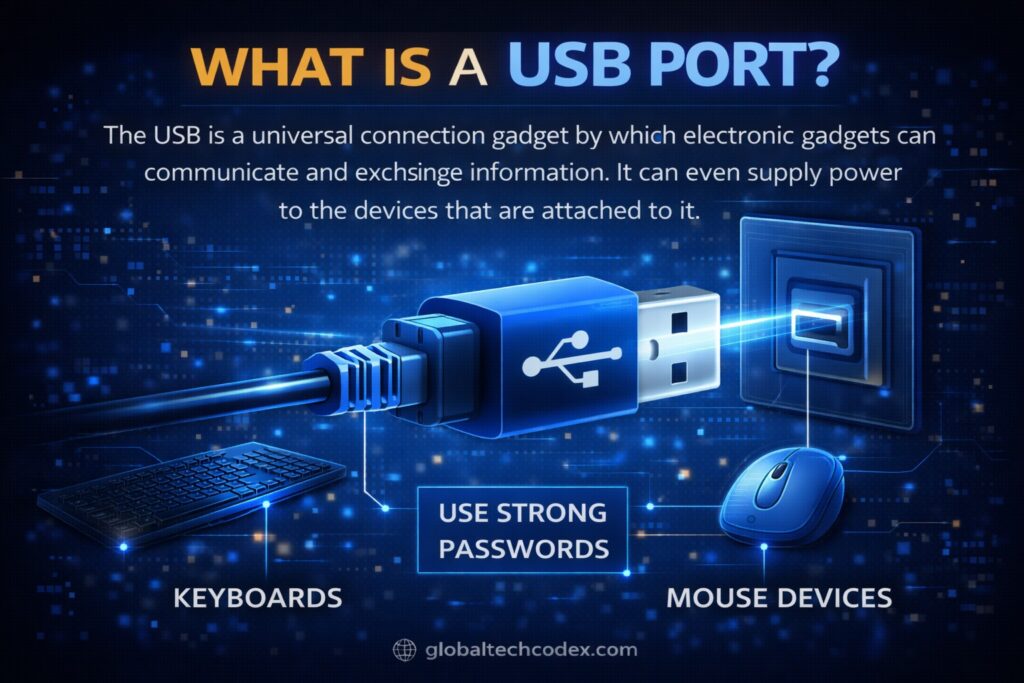
The USB is a universal connection gadget by which electronic gadgets can communicate and exchange information. It can even supply power to the devices that are attached to it.
USB ports are used to connect:
- Keyboards
- Mouse devices
- Printers
- External hard drives
- Flash drives
- Smartphones
- Cameras
- Speakers
The benefit of USB is that it is highly convenient in that it can transfer data in addition to offering power through one single cable.
________________________________________
History of USB Ports
USB technology was introduced towards the end of 1990s to replace the previous connection ports like parallel port and the serial port. The older ports had been complicated and required special cables and drivers.
USB made connections to be easy because it had an option of plug and play that is, the devices automatically worked once they were connected.
The USB Overtime has evolved into much more superior and quicker models.
________________________________________
Types of USB Ports
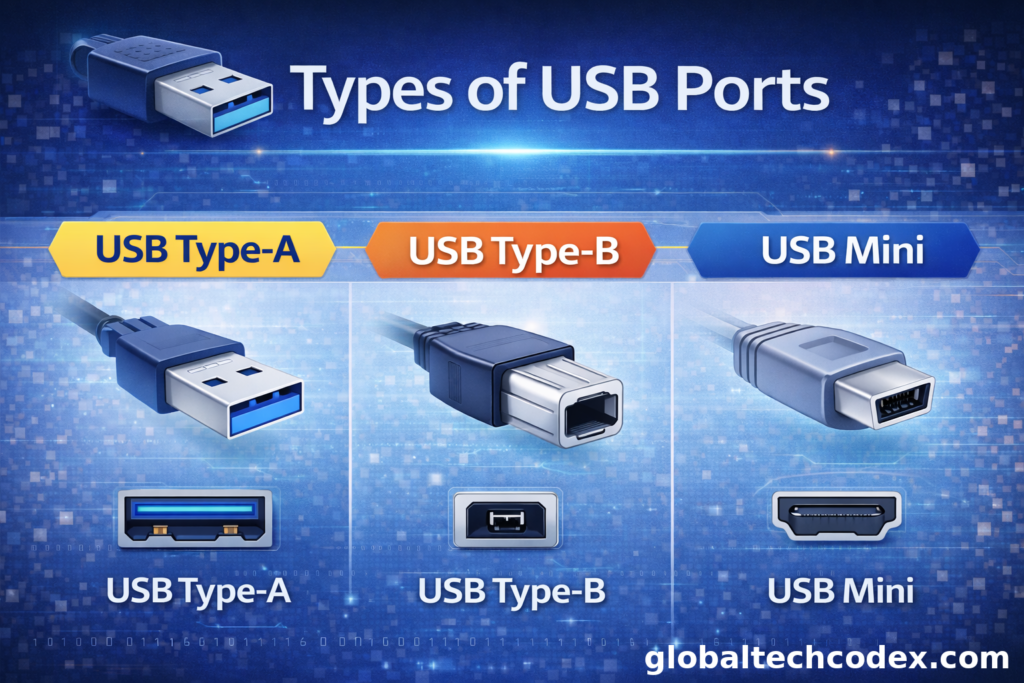
USB ports are not similar.
USB Type-A
USB Type-A is most common USB port. It is a rectangular gadget which is fitted in most of the computers and laptops.
Features:
* Easy to use
* Widely supported
Such devices used are keyboards, mouse and flash drive.
________________________________________
USB Type-B
Features:
* Square-shaped connector
* Used mainly for printers
* Less common than Type-A
The type-B connector is mostly used in office equipments.
________________________________________
USB Mini
USB Mini ports have been used in older cameras and MP3 players.
Features:
* Smaller than Type-A
* Used in older devices
* Mostly replaced by Micro USB
Today, Mini USB is rarely used.
________________________________________
USB Micro
USB-C was not popular before, and until then, micro USB was widespread in smart phones.
Features:
* Small and compact
* Used in Android phones
* Used in power banks
Micro USB is also still present in numerous older devices.
________________________________________
USB Type-C
USB Type-C is the most advanced and the new USB port.
Features:
* Small and reversible
* Faster data transfer
* Supports fast charging
* Used in the recent laptops and smartphones.
USB Type-C is a novel standard of connection.
________________________________________
USB Versions
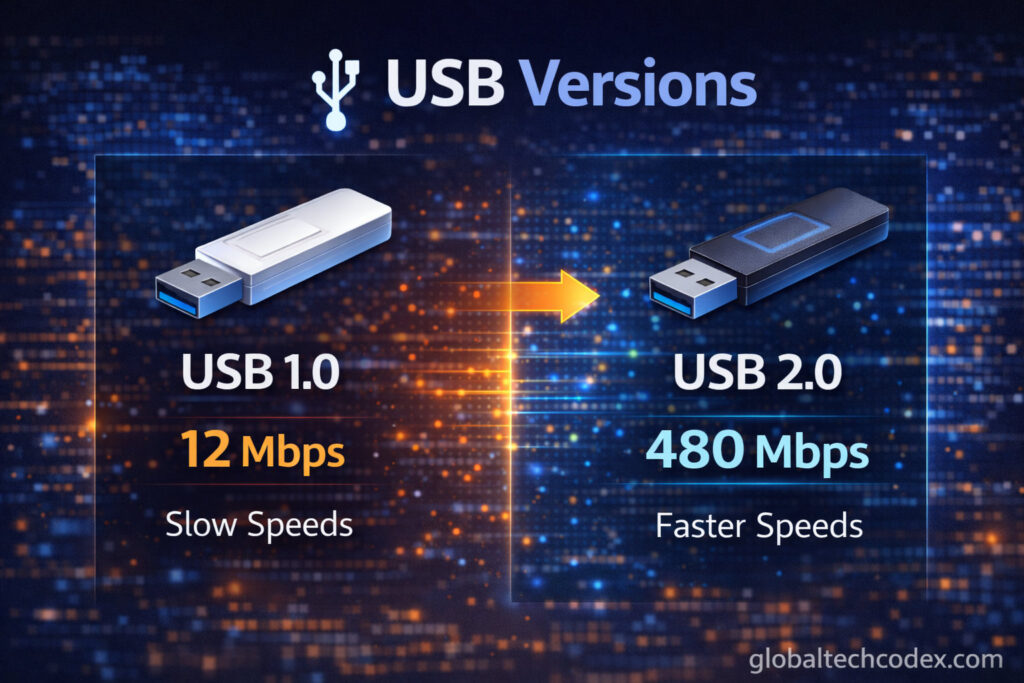
The USB technology comes in different forms explaining speed and performance.
USB 1.0
USB 1.0 was the first version.
Speed:
* Up to 12 Mbps
This version is now outdated.
________________________________________
USB 2.0
USB 2.0 is now popular and now in use.
Speed:
* Up to 480 Mbps
It is compatible with most of the basic devices like keyboards and flash disks.
________________________________________
USB 3.0
USB 3.0 provides a higher speed.
Speed:
* Up to 5 Gbps
USB 3.0 ports are usually blue so as to distinguish them.
They are easily placed in the outside hard drives.
________________________________________
USB 3.1 and USB 3.2
These versions are also offered at even higher speeds.
Speed:
* Up to 10-20 Gbps
They supply modern high speed equipment.
________________________________________
USB4
USB4 is the latest version.
Speed:
* Up to 40 Gbps
________________________________________
Uses of USB Ports
The USB ports have numerous uses in life.
Data Transfer
USB ports facilitate exchange of files amongst the devices.
For example:
* Saving files in a flash drive.
* Moving photos from a camera
* Backing up data
________________________________________
Charging Devices
USB stations can be used as power source.
Examples:
* Charging smartphones
* Charging tablets
Billing wireless headphones.
Many of the devices are USB powered.
________________________________________
Connecting Accessories
The computers have USBs through which they are connected to the accessories.
Examples:
* Mouse
* Keyboard
* Printer
* Webcam
Devices were unable to be easily connected without USB ports.
________________________________________
External Storage
USB ports can be attached to extremal storage tools.
Examples:
* External hard drives
* SSD drives
* USB flash drives
It is applicable in storing of huge data.
Advantages of USB Ports
USB ports are very advantageous.
Easy to Use
USB devices are plug-and-play. It does not involve a complex configuration.
________________________________________
Universal Compatibility
USB is universal with almost all the existing devices.
________________________________________
Fast Data Transfer
The current versions of USB are fast in transfer.
________________________________________
Portable
USB is tiny enough and transferable.
________________________________________
Power Supply
USB ports offer power and also the exchange of data.
________________________________________
Disadvantages of USB Ports
The USB ports may be very beneficial but on the other hand they may be restricted.
Physical Damage
USB ports are probably easily loosened or broken when used frequently.
________________________________________
Limited Cable Length
The USB cables with diplomacy are hard to make very long, and they do not fail to give their share of quality of signals.
________________________________________
Security Risks
USB disks can hold virus and malware.
Never open files without scanning USB drives.
________________________________________
Use Original Cables
Use good quality cables.
________________________________________
Remove Safely
It is important to remove USB storage devices and then unplug them.
This prevents data loss.
________________________________________
Keep Ports Clean
Connection problems may arise because of dust in ports.
Clean ports carefully.
________________________________________
Future of USB Ports
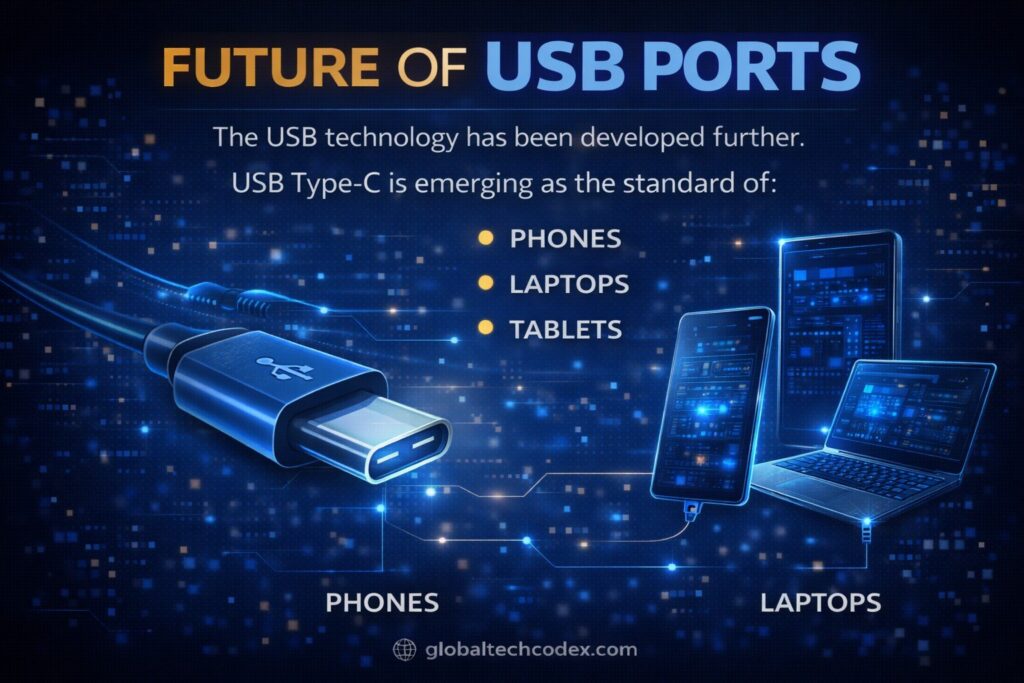
The USB technology has been developed further.
USB Type-C is emerging as the standard of:
• Phones
• Laptops
• Tablets
• Chargers
The future state of the USB development will consist of:
• Faster speeds
• Better charging
• Improved efficiency
USB ports will not be excluded in the modern technology.
________________________________________
Conclusion
USB connector is used to connect and energize electronic products. They offer an easy and standard means of data transmission and billing of equipments. The plain USB Type-A ports have never been easier than they are today as they have been converted to higher USB Type-C.
The feature of familiarity to the USB ports and type will enable any user to pick the appropriate cables and devices. USB will also continue to be one of the most significant technologies in the contemporary computing due to improved speed and performance.
USB improves the process of digital connection as convenient and efficient as the kind of devices can be, be it a computer, smartphone or external storage device.