

The contemporary digital reality demands companies, programmers, and individuals to deliver files in a secure and quick way. FTP server is amongst the oldest and the most certain way of overseeing files over the internet. The FTP abbreviation means File transfer protocol and is a process that helps people to transmit and transfer files and control files among the computers through a network.
The popularity of FTP servers has not been reduced by the modern cloud storage solutions because it is fast, reliable, and easy to install. This paper explains what an FTP server is, how it works, its advantages as well as how it can be installed.
________________________________________
What is an FTP Server?
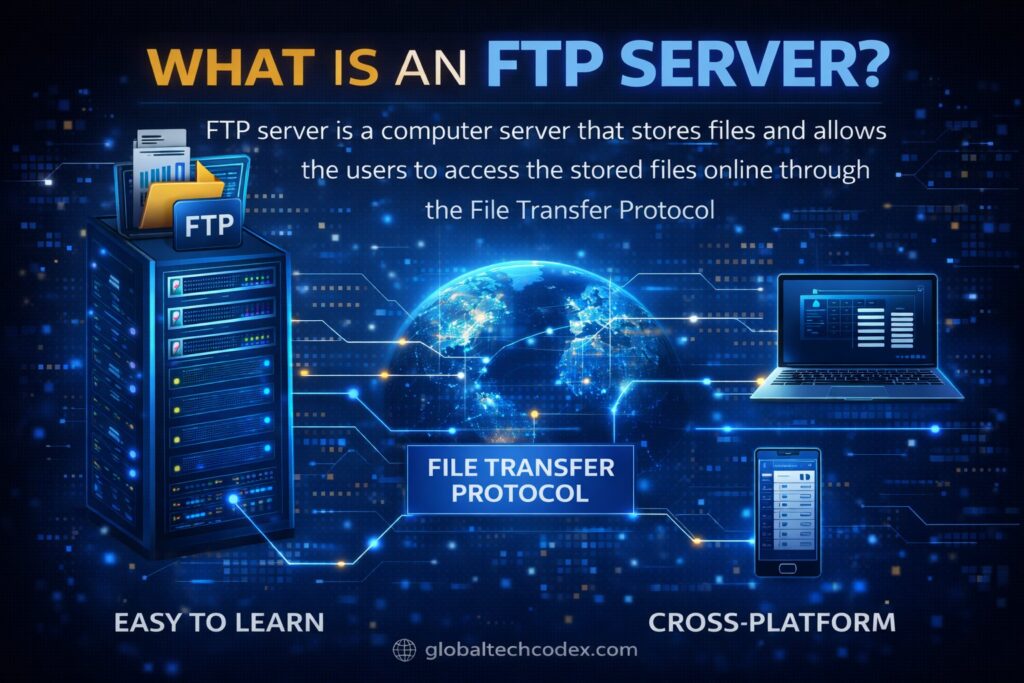
FTP server is a computer server that stores files and allows the users to access the stored files online through the File transfer protocol. It is a shared storage point whereby the users are allowed to download or upload the files in a secure location.
The following are some of the typical FTP server users:
Website developers to upload the files of the website.
• Organization to share information in their firms.
• Educational institutions
• Backup storage systems
• Software distribution
After a user has connected to an FTP server he/she will be expected to provide a username and a password. Once authenticated, they can access files based on the level of their permission.
________________________________________
How FTP Works
FTP is a model of client-server. This means that it consists of two major components:
1. FTP Client
The FTP client is the computer software that is used in creating the connection with the server. Examples include:
• FileZilla
• WinSCP
• Cyberduck
The customer also allows users to scan through their files and drag and drop their files between folders.
2. FTP Server
FTP server is a server that stores files and restricts their access to users. It listens to requests and authenticates information and subsequently grants access.
Connection Process
The process of the elementary FTP connection is the following:
1. User opens FTP client
2. Enters server address
3. Types in usernames and passwords.
4. Connects to server
5. Uploads or downloads files
FTP usually uses:
• Port 21 for communication
• Port 20 for data transfer
________________________________________
Types of FTP Servers

The FTP servers exist in various types depending on security and access.
1. Anonymous FTP
The user is provided with access to files using an anonymous FTP without making an account. The entry is normally done anonymously by the users.
This type is used for:
• Public downloads
• Software distribution
• Open resources
________________________________________
2. Authenticated FTP
FTP authentication consists of the user name and password. The authorized users have the access to files only.
This type is used for:
• Company file sharing
• Private data transfer
• Website hosting
________________________________________
3. Secure FTP (SFTP/FTPS)
The secure FTP also encrypts data in order to be safer.
Types include:
SSH File transfer protocol (also called SFTP).
Secures and utilizes safe log-in.
FTPS (FTP Secure)
Uses SSL/TLS encryption.
Secure FTP must be utilized by business.
________________________________________
Advantages of FTP Servers
These have different advantages over other file sharing methods that are offered by FTP servers.
Fast File Transfers
The large files can be transferred in a minimal amount of time using FTP servers compared to email or messaging applications.
Reliable Data Transfer
Complete files transfer and FTP in an uncorrupted manner.
Easy File Management
Users can:
• Create folders
• Delete files
• Rename files
• Upload multiple files
Remote Access
The FTP server accessibility can be achieved anywhere in the world as long as one has the access to internet.
Automation Support
FTP is able to support automated backups and schedule of transfers.
________________________________________
Drawbacks of FTP Servers.
Although FTP servers are useful, they are restrictive as well.
Security Risks
Simple FTP does not encrypt information, and this can be attacked by an attacker.
Requires Setup
FTP servers need to be configured and maintained.
Firewall Issues
FTP ports in other networks have also been blocked hence making it hard to connect.
________________________________________
How to Set Up an FTP Server
The installation of an FTP server does not require much as some may think. A simple step by step tutorial is presented below.
Step 1: FTP server Software.
• FileZilla Server
• vsftpd (Linux)
• ProFTPD
• IIS FTP Server
Install the software to your computer/server.
________________________________________
Step 2: Server settings.
After installation, change the setup
• Server name
• Port number (usually 21)
• Default folder location
• Maximum users
________________________________________
Step 3: Create User Accounts
Give out usernames and user passwords.
Assign permissions such as:
• Read access
• Write access
• Delete access
________________________________________
Step 4: Open Firewall Ports
Open FTP on your firewall.
Open:
• Port 21
• Port 20
Step 5: FTP Client Logging in.
Install an FTP program e.g. FileZilla.
Enter:
• Server IP address
• Username
• Password
• Port number
Click connect and open files.
________________________________________
FTP Server Security Tips
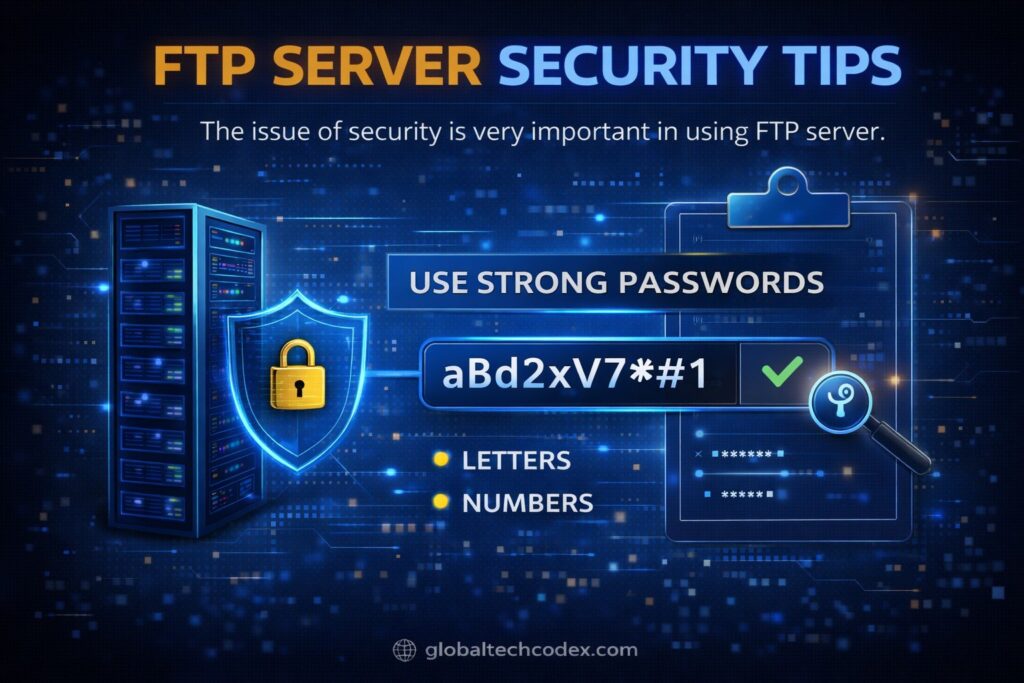
The issue of security is very important in using FTP server.
Use Strong Passwords
The passwords being used will contain:
• Letters
• Numbers
• Symbols
________________________________________
Enable Encryption
apply SFTP or FTPS.
Encryption deters data hackers.
________________________________________
Limit User Access
The users should simply be granted the necessary permissions.
For example:
• Read only
• Upload only
________________________________________
Change Default Port
It is possible to minimize hacking by changing the default port (21).
Example:
• Use port 2121 instead
________________________________________
FTP vs Cloud Storage
People would tend to make comparisons between the FTP server and the cloud storage system such as Google drive.
FTP Server
Advantages:
• Full control
• Faster transfers
• No monthly cost
• Custom configuration
Disadvantages:
• Requires maintenance
• Needs technical knowledge
________________________________________
Cloud Storage
Advantages:
• Easy to use
• Automatic backup
• No setup needed
Disadvantages:
• Monthly cost
• Limited control
• Storage limits
The two alternatives have their positive aspects in regards to the user needs.
________________________________________
Common Uses of FTP Servers
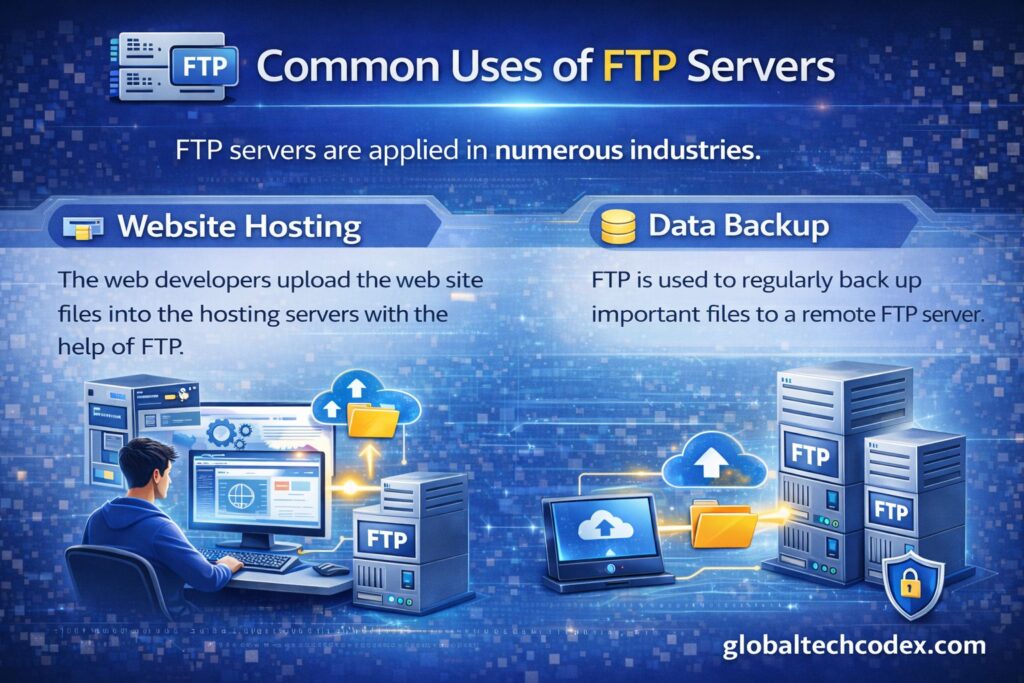
FTP servers are applied on numerous industries.
Website Hosting
The web developers upload the web site files into the hosting servers with the help of FTP.
Data Backup
The use of FTP servers in companies stores backup data.
File Sharing
FTP is applied among the businesses in the sense of sharing of the files.
Software Distribution
FTP servers are normally used to transfer large software programs.
________________________________________
Conclusion
FTP servers have proved to be one of the most feasible and the most certain way of transferring files over network. They also have speed in data transfer and distance accesses as well as total control of file management. Such secure procedures as SFTP or FTPS can be used to conquer the security limitations, yet the basic FTP has security limitations.
It is possible that C- familiarity with the FTP servers will help these individuals to manage files more effectively regardless of whether one is a developer or a business owner or a student. A very robust and versatile file sharing solution can be offered by an FTP server and can be installed with very little initial configuration but, in effect, save a lot of time and money when in operation.
On the one hand, the FTP server could be a useful tool both at the personal level and at the professional one in case of the corresponding set-up and security.